AI Ad Management: Run Google, Meta, LinkedIn & TikTok Ads From One Chat
AI ad management is no longer just reading reports. With Opus Growth you create, optimize and manage Google, Meta, LinkedIn and TikTok campaigns from a single chat. It shows what Supermetrics and Windsor.ai show — and does what they can't.
Category
Author
Date
Reading time
Share
For a decade, marketing tools made the same promise: “Bring all your ad data into one place and build beautiful reports.” Supermetrics, Windsor.ai and their peers do this well. But there's a catch: when the report ends, the real work begins. You see the chart, then open Google Ads, switch to Meta Ads Manager, get lost in LinkedIn Campaign Manager, and manually change budgets in TikTok Ads. The report lives in one place; the action lives in another.
AI closed that gap. Now AI doesn't just read the report — it runs the campaign. This article explains what AI ad management is, how it differs from tools that only show data, and how Opus Growth lets you manage Google, Meta, LinkedIn and TikTok ads from a single chat.
Marketing tools split in two: the ones that show, and the ones that do
Before you pick a tool, know which category it's in. There are two:
- The show-ers (data & reporting): Tools like Supermetrics and Windsor.ai pull data out of ad platforms into Google Sheets, Looker Studio or BigQuery. What happened, where you spent, what your ROAS is — they show it all. But that's all they do: show.
- The do-ers (management & execution): Tools like Opus Growth read the data and act on it. They launch campaigns, change budgets, build audiences, upload creatives, and pause underperformers.
The difference in one line: Supermetrics shows you the chart; Opus Growth fixes it.
What Supermetrics and Windsor.ai can — and can't — do
These are excellent reporting engines — they unify hundreds of data sources (Supermetrics 100+, Windsor.ai 350+). They offer attribution modelling, automated dashboards, and budget recommendations. Their new AI connectors (MCP servers) even let you query your data in natural language: “Which campaign performed best last month?”
But here's the hard limit: these MCP connectors are read-only. As Supermetrics' own documentation states, the AI can tell you about what already exists but can't change anything — it can't create a campaign, update a budget, or upload a creative. The execution layer is still on you, still spread across four separate panels.
In short: a great reporting tool, but not an ad management tool.
How does AI ad management work?
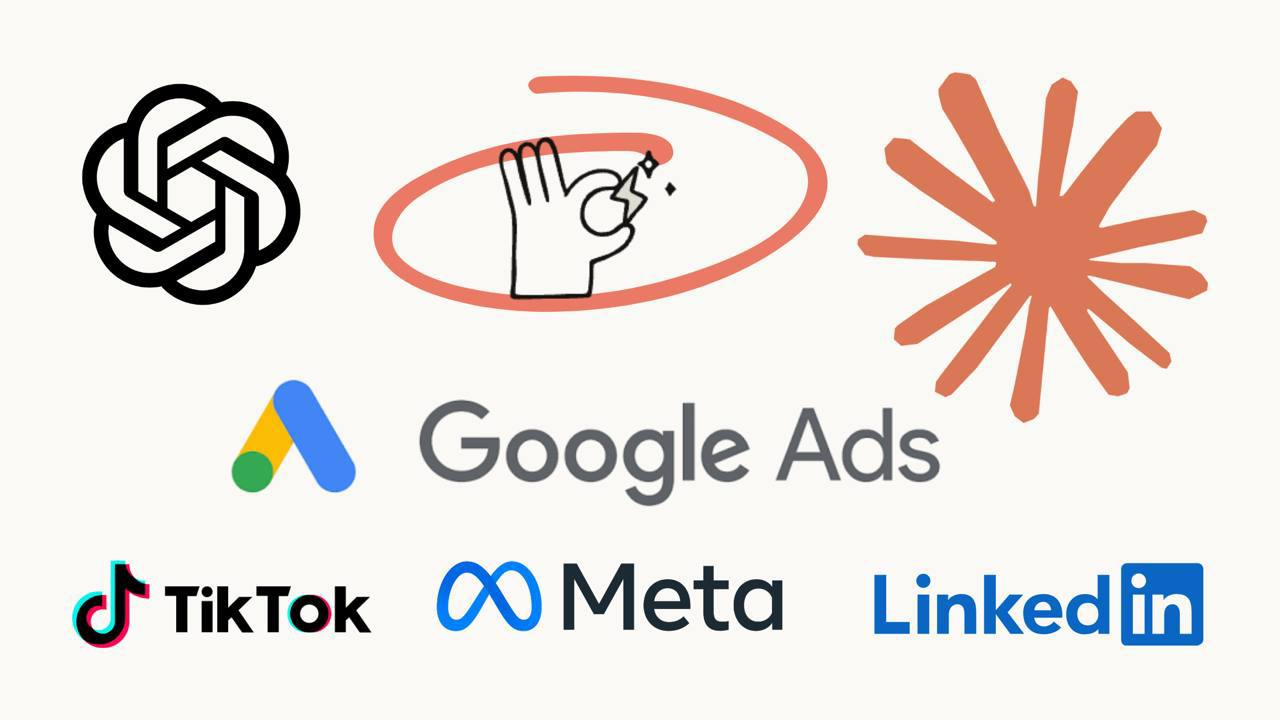
Opus Growth is a Model Context Protocol (MCP) server. You add a single connection URL to Claude or ChatGPT, sign in with your Google account — and start managing your ad accounts. No code, no separate panel. You just talk:
“Pause the Meta ad set with low ROAS this week, move that budget to my best-performing Google search campaign, and draft a new LinkedIn campaign targeting software CTOs.”
The AI understands that single sentence and performs the real operations in sequence: it pauses the Meta ad set, raises the Google campaign budget, and sets up the LinkedIn targeting and campaign draft. You approve, it executes. 100+ tools in total, four platforms, one chat.
- Google Ads: Search/PMax/Demand Gen campaigns, responsive ads, bidding strategies, keyword and negative management, conversion actions, recommendation apply.
- Meta (Facebook & Instagram): campaign/adset/ad creation, carousel & video creatives, website and lookalike audiences, interest search, reach estimates.
- LinkedIn Ads: campaign groups, sponsored content and text ads, job-role/geo targeting, campaign analytics.
- TikTok Ads: campaign/adgroup/ad management, video & image upload, lookalike audiences, region and targeting search.
Why managing four platforms in one place matters
Google Ads Manager and Meta Ads Manager already exist separately. So why one chat? Because context isn't lost. Real marketing decisions are made across platforms: to answer “which channel should I shift budget to?” you need to see all four at once. Because the AI holds them all in the same conversation, it can optimize comparatively — weighing weak Meta performance against strong Google performance and moving the budget in a single move. No panel switching, no merging data in your head, no copy-pasting between tabs.
But is it safe? Trusting AI with your budget
The most common — and most reasonable — objection: “Isn't giving an AI write access to my ad budget risky?” Opus Growth solves this as an architecture problem, not a trust problem. Control always stays with you:
- Dry-run: Every write is previewed first — you see what will happen without touching anything live, and it doesn't even spend credits.
- Mandatory approval: The AI can't push anything live on its own. Every change is applied with your explicit confirmation.
- Budget safety lock: Budget increases above 50% are automatically blocked. The AI can't “accidentally” multiply your spend.
- Audit log: Every operation (which tool, which user, what was done, the result) is recorded.
- Encryption and isolation: All your platform keys are stored encrypted; each customer is kept in their own isolated space.
- Privacy-first: We use first-party analytics and never sell your data to third parties.
You get the AI's speed, but you always hold the brake.
The panel difference: not a report, a control center
Opus Growth isn't just a chat interface. Behind it is a visual control panel — and this is what sets us apart from pure-MCP rivals (like Adspirer or Pipeboard). The panel includes:
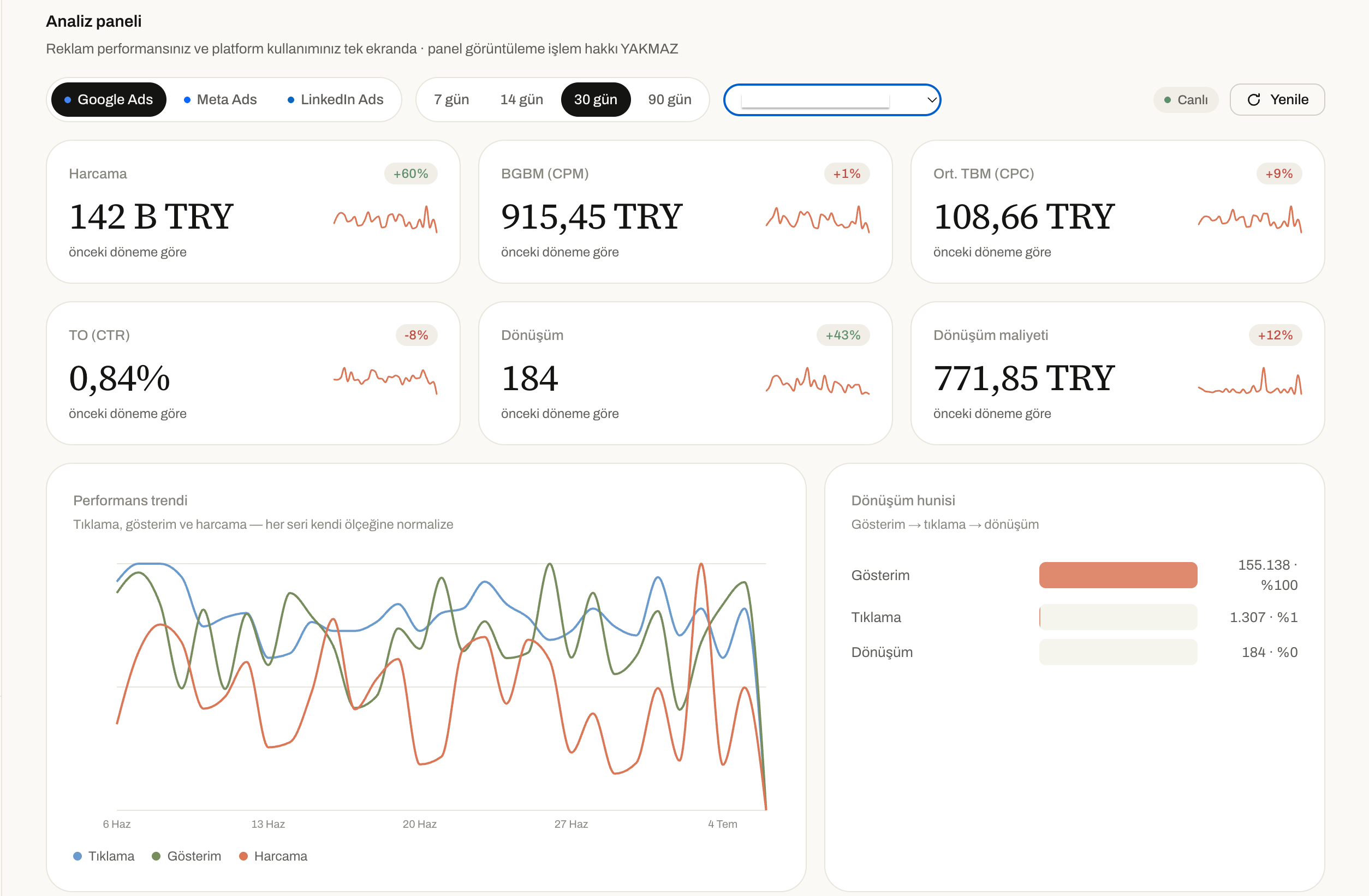
- Analytics dashboard: Cross-platform KPIs, spend trends, conversion funnel, and an interactive world map showing performance country by country.
- Ads Library: Inspect Google, Meta and LinkedIn ads — both yours and your competitors' — with creative visuals on one screen.
- Integrated CRM and support: Billing, usage, support tickets and customer management under one roof.
We combine reporting power (what Supermetrics gives you) and execution power (what rival MCPs give you) in a single product.
Frequently Asked Questions
What is AI ad management?
AI ad management is the process of creating, optimizing and managing campaigns across platforms like Google, Meta, LinkedIn and TikTok using natural-language commands. In Opus Growth you connect to ChatGPT or Claude and talk in plain sentences like “raise the budget” or “pause this campaign”; the AI then executes the real operation with your approval.
What's the difference between Opus Growth and Supermetrics?
Supermetrics is a data and reporting tool: it collects and displays your ad data but can't manage campaigns (even its AI connector is read-only). Opus Growth both reads and writes — it creates campaigns, changes budgets and manages ads directly. In short: Supermetrics shows, Opus Growth does.
Is it safe to let AI manage my ad budget?
Yes. Every write is previewed first (dry-run), applied only with your explicit approval, budget increases above 50% are automatically blocked, and all operations are audit-logged. Your keys are encrypted. Control always stays with you.
Which ad platforms does it support?
Google Ads, Meta (Facebook & Instagram), LinkedIn Ads and TikTok Ads — all four platforms managed from a single connection with 100+ tools in total.
Do I need to know how to code?
No. All you do is add the Opus Growth connection URL to ChatGPT or Claude and sign in with your Google account. Everything else runs through natural language, just by chatting.
Connect your Google Ads to your AI assistant
Try everything in this article on your own account — 60-second setup, 7-day free trial, no credit card required.