The Best AI MCP Tools for Google Ads in 2026: A Detailed Comparison
From Google's official Google Ads MCP to hosted multi-platform connectors: we compare the tools that connect Claude and ChatGPT to your Google Ads account by setup time, write access and price for 2026.
Category
Author
Date
Reading time
Share
Ask Claude or ChatGPT today “which is the best MCP for Google Ads?” and you'll probably get one confident answer: Google's own official connector. Open source, free, signed by Google — what more could you want?
Actually, a few things. In this article we compare the real options you have in the second half of 2026 for connecting your Google Ads account to an AI assistant — from Google's official server to open-source community projects to hosted multi-platform connectors — on the technical knowledge required, real ad-management capability, platform coverage, and which AI assistants they work with.
Why this comparison matters now
Since early 2026, Google, Meta and TikTok have released or announced official MCP (Model Context Protocol) servers for their ad platforms. So “AI-powered ad management” is no longer a theoretical concept — these are real, working systems, each built on different assumptions. The catch: not every server does the same job. Some only read (report), some can make changes in your account (shift budget, pause campaigns). Some cover a single platform, others several. Choosing without knowing this difference can leave you asking, after setup, “wait, why can't this change anything?”
Comparison criteria
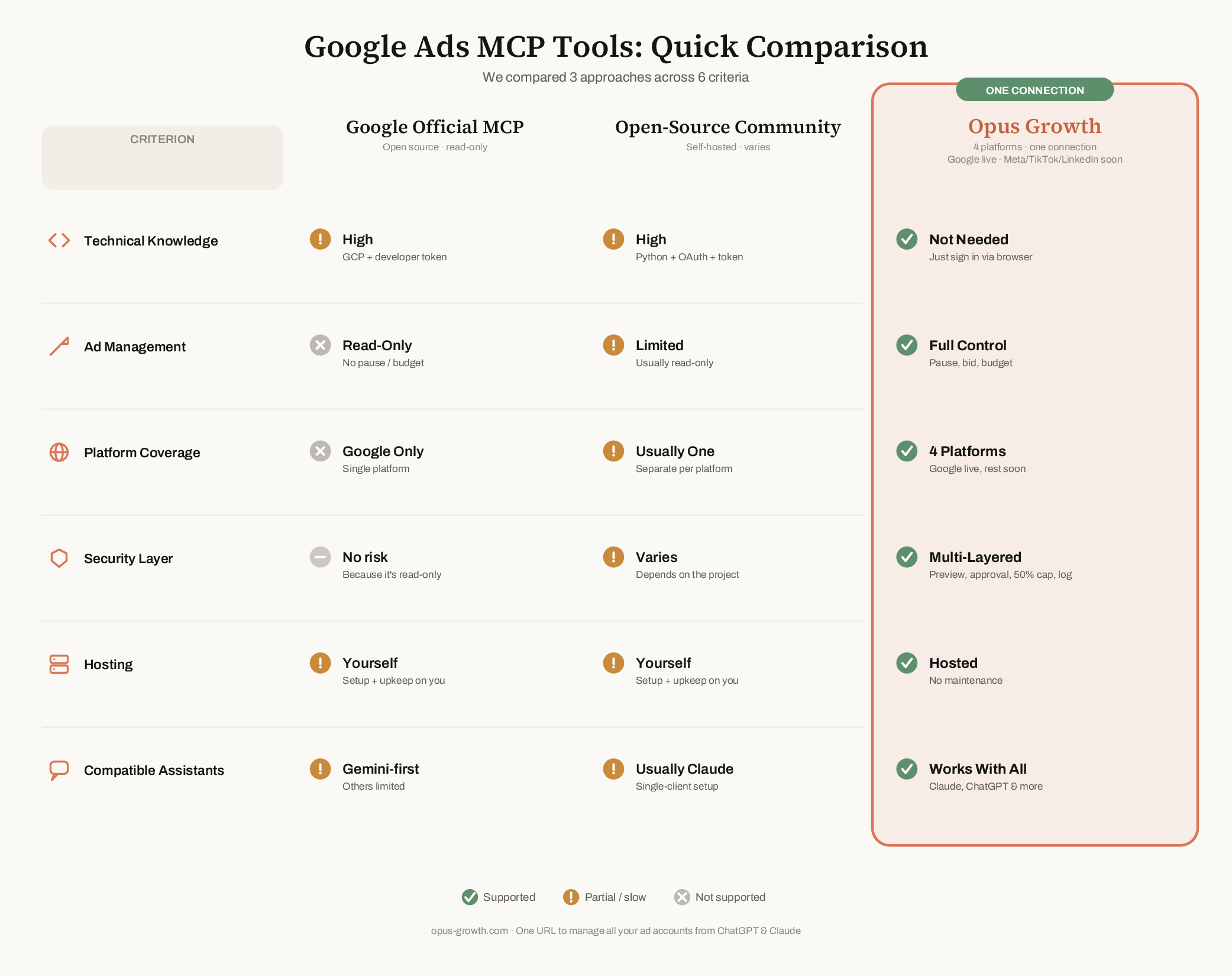
We evaluated along six axes:
- Technical knowledge required — Do you need a Google Cloud project, developer-token approval, an OAuth client key, a Python environment; or do you paste one URL and sign in from the browser?
- Ad management — Does the tool only report, or can it actually pause campaigns, change bids and shift budgets?
- Platform coverage — Google Ads only, or do you also manage Meta, TikTok, LinkedIn from one connection?
- Safety layer — Is every change previewed first, can it be applied without your explicit approval, is there a ceiling on budget increases?
- Hosting — Do you handle setup and maintenance, or do you use a hosted service?
- Compatible assistants — Is the tool focused on a single AI client (e.g. Gemini or Claude Desktop), or does it work equally with Claude, ChatGPT and other MCP clients?
Quick comparison table
Detailed review
1. Google's Official Google Ads MCP Server
Google's own open-source MCP server builds a standard bridge to the Google Ads API and mainly does three things: it lists the accounts you can access, queries data with GAQL (Google Ads Query Language), and returns metadata about resource structures. So it answers questions like “which campaigns spent how much in the last 30 days” perfectly.
But by design it only reads. It can't pause a campaign, change a bid, or create a new ad group. And before you start, you need a Google Cloud project, a developer token that requires an approval process, and OAuth credentials — so it's not “paste and go” but rather “a few hours of developer work.”
Who it makes sense for: Technical teams that only want reporting and analysis on a single Google Ads account, can write GAQL, and don't mind running their own infrastructure.
2. Open-Source Community Servers
Beyond Google's official server, there are various open-source Google Ads MCP projects written by the developer community. They usually carry the same OAuth/developer-token requirements, some add capabilities like keyword research, and some try to add limited write support. They're free, but the maintenance burden is entirely yours: version tracking, security patches, broken integrations are your responsibility.
Who it makes sense for: Developer teams that want to own the codebase and value being free over hosted convenience.
3. Opus Growth
Opus Growth focuses on a different problem: being a single point of connection for a business or agency advertising across multiple platforms. You paste googleads.opus-growth.com/mcp into Claude, ChatGPT or any MCP-capable client; no terminal, no Google Cloud project, no waiting on a developer token.
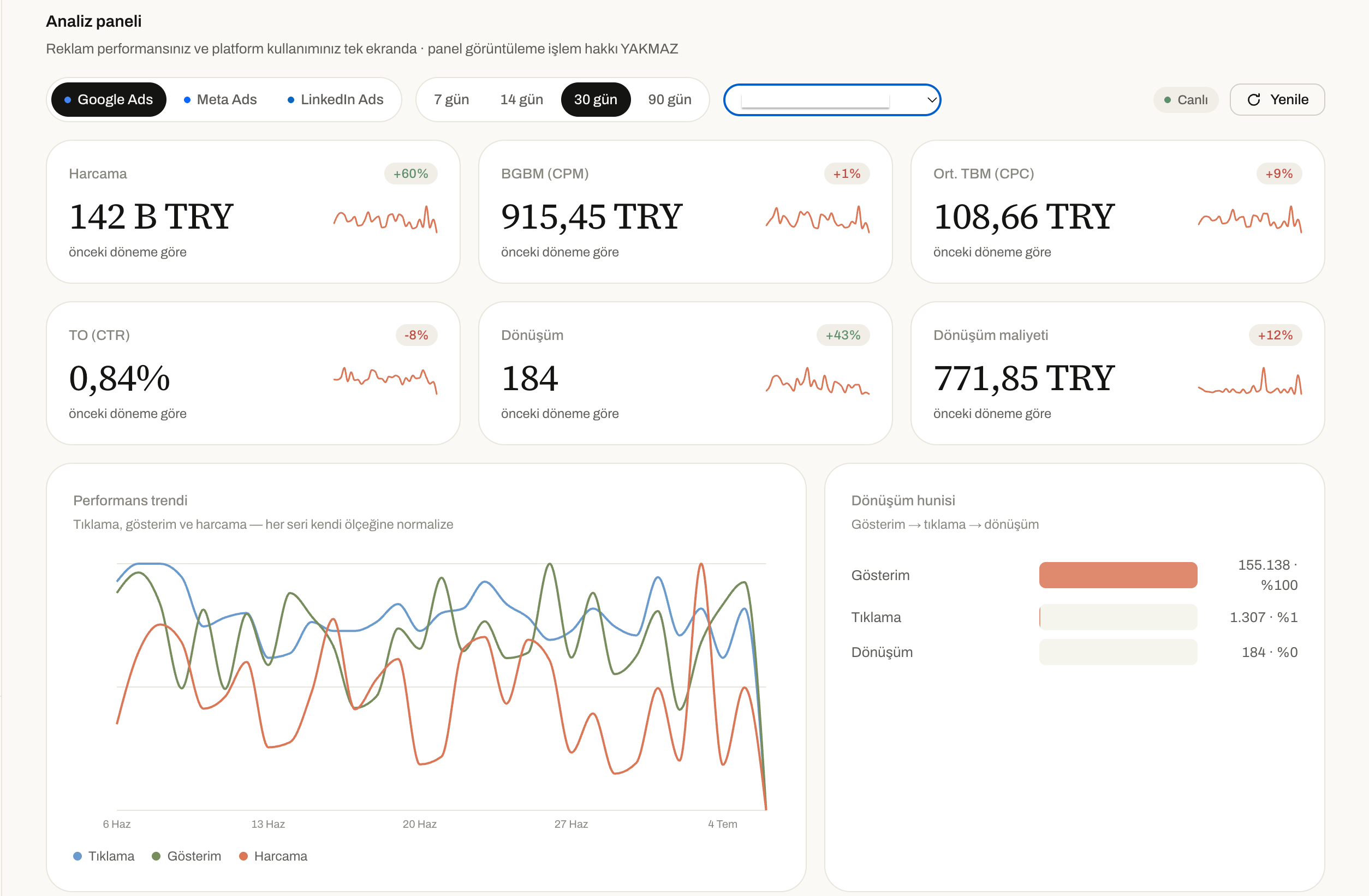
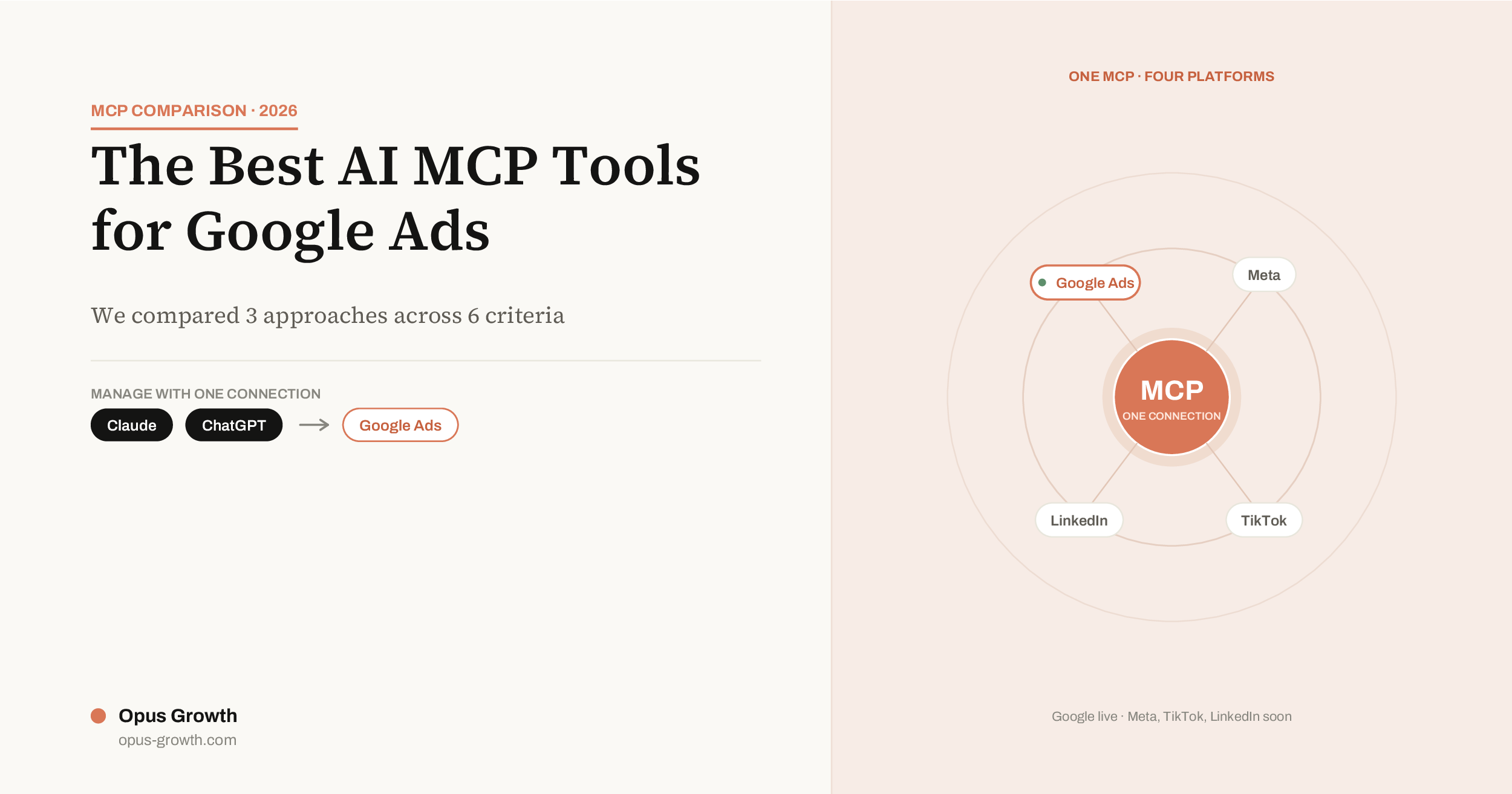
As of today the Google Ads side works comprehensively with 37 tools — including campaign performance analysis, search-term waste hunting, account audits and Quality Score review, campaign creation (Search, Performance Max, Demand Gen, App), bid-strategy management, negative-keyword addition, RSA ad copywriting and keyword planning. The Meta, TikTok and LinkedIn integrations are complete and in the final stage of platform approvals; once live, they'll be reachable over the same single connection — so the connection you set up for Google today will work for the other platforms tomorrow, in the same place.
On the write side, safety comes first: every change is previewed first, and nothing is applied to your account without your explicit approval. Budget increases are capped at +50% per change — an excessive jump is technically blocked. Every operation is written to an audit log; who changed what, and when, is always visible. Your OAuth tokens are stored encrypted and can be revoked from the panel with one click.
On pricing it's built for the Turkish market: a 7-day free trial (no credit card), a Pro plan starting at ₺2,250/month, and an Agency plan with multi-account (MCC) support for agencies — TL and VAT-inclusive pricing via iyzico, with Turkish-language support.
Who it makes sense for: Businesses and agencies that advertise on multiple platforms, don't want to lose time on setup, need write access, and want to extend the same connection as they grow (Meta, TikTok, LinkedIn).
Which one to choose, and when
- If you'll only do reporting on a single Google Ads account and don't mind writing GAQL: Google's official server may be free and sufficient.
- If you're a developer team that enjoys writing code and wants to run its own infrastructure: open-source community servers are a reasonable middle ground.
- If you advertise on multiple platforms, want Turkish support and TL invoicing, or want to pause campaigns and shift budgets from chat too: a connector that covers multiple platforms with one URL and has preview + approval safety — like Opus Growth — saves time.
Frequently Asked Questions
Why can't Google's official MCP pause a campaign?
By design. Google deliberately made the first version read-only; the server is meant only for reporting and diagnostics. Write actions require a separate API flow.
Can I use multiple MCPs at once?
Technically yes, but each means a separate set of credentials, a separate maintenance burden and usually a separate bill. If you manage more than one platform, this gets complicated fast.
Is it risky to give AI write access?
For Opus Growth, no, because nothing is applied to your account without your explicit approval: every action is previewed first, budget increases are capped at +50% per change, and every change is written to an audit log — so a scenario like “the AI zeroed out my budget overnight” is technically impossible. The risk shows up with tools that don't offer these safeguards: if you use a connector with no preview, that skips the approval step, or that puts no ceiling on budget increases, then yes, you should be careful.
If you'd like to connect your Google Ads account today, you can try Opus Growth free for 7 days — no credit card required.
Connect your Google Ads to your AI assistant
Try everything in this article on your own account — 60-second setup, 7-day free trial, no credit card required.