Opus Growth now works in Grok: manage Google Ads and Meta Ads inside Grok
Grok supports custom MCP connectors. Add Opus Growth once at grok.com/connectors, read your ad accounts in a Grok chat and approve every change from a preview.
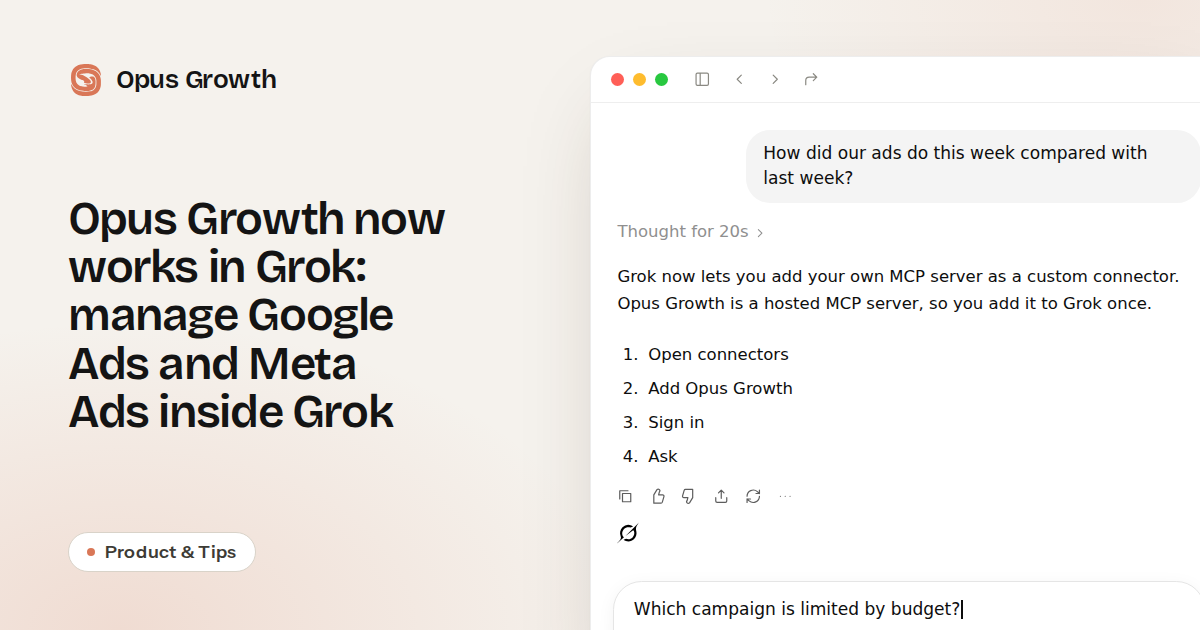
Grok now lets you add your own MCP server as a custom connector. Opus Growth is a hosted MCP server, so you add it to Grok once. From then on you can read and manage your Google Ads, Meta Ads, Microsoft Advertising, TikTok Ads, LinkedIn Ads and ChatGPT Ads accounts from a Grok chat.
How to add Opus Growth to Grok
- Open connectors: go to grok.com/connectors and choose New Connector, then Custom.
- Add Opus Growth: name it Opus Growth and paste
https://mcp.opus-growth.com/mcpas the MCP server URL. - Sign in: Grok opens the Opus Growth sign-in. Sign in with Google or your email and choose the ad accounts it may use.
- Ask: open a new Grok chat and ask about your ads.
Connectors work in Grok on the web and in the iOS and Android apps. On Grok Business and Enterprise, a team admin adds the connector first. With Grok Bot there is no form; ask it in chat to add this address as an MCP server.
What you can ask Grok
- "How did our ads do this week compared with last week?" It reads every account and tells you which channel went up or down, and why.
- "Which campaign is limited by budget?" It shows cost per purchase and budget limits and suggests where to move the budget.
- "Find search terms that cost money and never sold." It pulls the terms from Google Ads or Microsoft Advertising and prepares a negative keyword list.
- "Set up a Meta campaign for site visitors for the new collection." It lays out the audience, budget and ads as a plan.
Nothing changes without your approval
Reports answer straight away. Anything that would change an account is shown first as a preview with the current and new values and applies only when you approve it. A budget can rise by at most 50% in one step and 100% within 24 hours. New campaigns start paused and every applied change is logged.
Pricing
Opus Growth starts with a free trial of 75 credits that never expire, and no card. Paid plans begin at $49 a month. Setup steps, examples and plans are on the Opus Growth for Grok page.
Frequently Asked Questions
Which platforms does Opus Growth for Grok work with?
Google Ads, Meta Ads, Microsoft Advertising, TikTok Ads, LinkedIn Ads and ChatGPT Ads. GA4, Search Console, Tag Manager, YouTube and Business Profile come with the same sign-in.
What if I already use it in ChatGPT or Claude?
Sign in to Grok with the same Opus Growth account; your connected ad accounts are shared across all of them.
How do I disconnect it?
Remove the connector at grok.com/connectors, or disconnect it from the list of connected AI apps in your Opus Growth account security settings.
Connect your Google Ads to your AI assistant
Try everything in this article on your own account. 60-second setup, 75 free credits, no credit card required.
Keep reading