Fill in before sending
[site address][topic][2 to 6 category names][topics or draft texts][location, or "none"][Search Console property, or "none"]
I want you to build a blog and knowledge hub on my site [site address] on my Opus Growth server. Topic: [topic]. Categories: [2 to 6 category names]. Author: [real author name and a short bio; if none, "publish under the business name"]. Topics or drafts for the first posts: [topics or draft texts]. Real cover photos: [location, or "none"].
1. Preparation. Read the blog section of site_seo_guide. List the files with site_list_files and note the restore version with site_versions. If the site still runs on the Tailwind Play CDN and third-party fonts, move it to compiled CSS and self-hosted fonts first, because blog-build.mjs copies the `<head>` of index.html into every blog page. For the same reason, leave no home page specific JSON-LD or image preload in the `<head>` of index.html; move the home page schema to the end of the body.
2. Configuration. In the `blog` block of site.config.js, write the title, a description of 110 to 165 characters, an intro of at least three sentences for the list page, and for every category a name, a 110 to 165 character description and an original intro of at least two paragraphs, and for the author a name, a role, a bio and a 110 to 165 character meta description. Add the posts page and the categories to the menu. If no real author name is given, do not invent one; publish under the business name and do not generate an author page.
3. Posts. Write each post as `blog/_posts/YYYY-MM-DD-slug.md`. Front matter: title (under 65 characters including the brand suffix), description (110 to 165 characters), date, updated only if you really updated it, image, author, category (the category key) and tags. Body: the first paragraph answers the question, then subheadings, numbered steps where they fit, 3 to 6 internal links and a closing FAQ of two or three questions. IMPORTANT: blog-build.mjs raises markdown heading levels by one; `#` becomes H2 and `##` becomes H3. If you start with `##` as the guide shows, the page jumps from h1 to h3 and the accessibility score drops. No stock openings ("Nowadays..."), no invented statistics or sources, and do not present something that depends on the case as a rule.
4. Images. Produce the cover images as WebP and AVIF at 480, 800, 1200 and 1600 pixels with the method from the performance pack, and write `/assets/img/<name>-1200.webp` into the image field of the front matter.
5. Generate. Run `node seo-stamp.mjs` and then `node blog-build.mjs` with site_run_command. blog-build leaves the following gaps, so write a `blog-extras.mjs` script that runs right after it:
1. On post and list pages: `<!DOCTYPE html>` in capitals, a single charset and a single viewport (blog-build adds them again on top of the ones it copies from index.html), classes instead of inline styles, `<main id="main">`.
2. Cover image: blog-build writes `src` as an absolute address including the domain and gives no dimensions; replace it with a root-relative `<picture>` with AVIF and WebP srcset, width, height and `fetchpriority="high"`.
3. Remove the site.config.js, chrome.js and motion.js script tags blog-build adds (once you move to the static menu these files no longer exist and the console shows 404 errors).
4. Add to every post a visible Home › Posts › Category › Post breadcrumb, the published and updated dates, a category link, an author box with a link to the author page, the previous and next post, and two related posts, preferring the same category. Add articleSection, dateModified and a Person author node with a url to the BlogPosting schema; extend BreadcrumbList to four levels.
5. Add og:image, the intro text and the category links to the list page.
6. Generate a `/blog/kategori/<slug>/` page for every category: CollectionPage, an ItemList with numberOfItems, and BreadcrumbList; show only the date and title on the cards, because repeating the post descriptions from the list page triggers seo-check's duplicate content warning.
7. Generate a `/blog/yazar/<slug>/` page for the author: ProfilePage and Person, with the bio and the list of posts.
8. Add the new pages to sitemap.xml with lastmod. blog-build produces the RSS feed; link to it from the home page.
6. Menu and CSS. Turn the empty `<site-nav>` and `<site-footer>` tags on the blog pages into the static menu with `node chrome-stamp.mjs`, then rebuild Tailwind, because blog-extras adds new classes. Every time you add or change a post, run this sequence from the start: seo-stamp, blog-build, blog-extras, chrome-stamp, CSS build.
7. Gates. `node seo-check.mjs` with 0 errors and 0 warnings (at least 150 words on every page and duplicate share between pages under 50 percent), `node design-check.mjs` with 0 errors, `npx --yes html-validate "**/*.html"` with 0 errors. Add the categories, the posts and the RSS address to llms.txt. core_web_vitals on mobile and desktop for the home page, the list, one post, one category and the author page; seo_audit for one post. Open the list and one post with site_preview at 360, 390, 768 and 1440 pixels wide. If mobile performance is under 95, find the cause; if headings use a separate typeface, preload that one too.
8. After publishing. Submit sitemap.xml with gsc_submit_sitemap and check the posts and category pages with gsc_inspect_urls. My Search Console property: [Search Console property, or "none"].
Output: the list of generated addresses (posts, list, categories, author, RSS, sitemap), a schema table per page type, an internal link map (which page links to which), a score table per page and device and the five-step command sequence to follow when adding a new post.
Example result
An example of the output this prompt produces. Its structure comes from the tools' real output; numbers and names are fictional.
Example output (on a fictional demo site; the site and author are fictional, the scores were really measured on this demo)
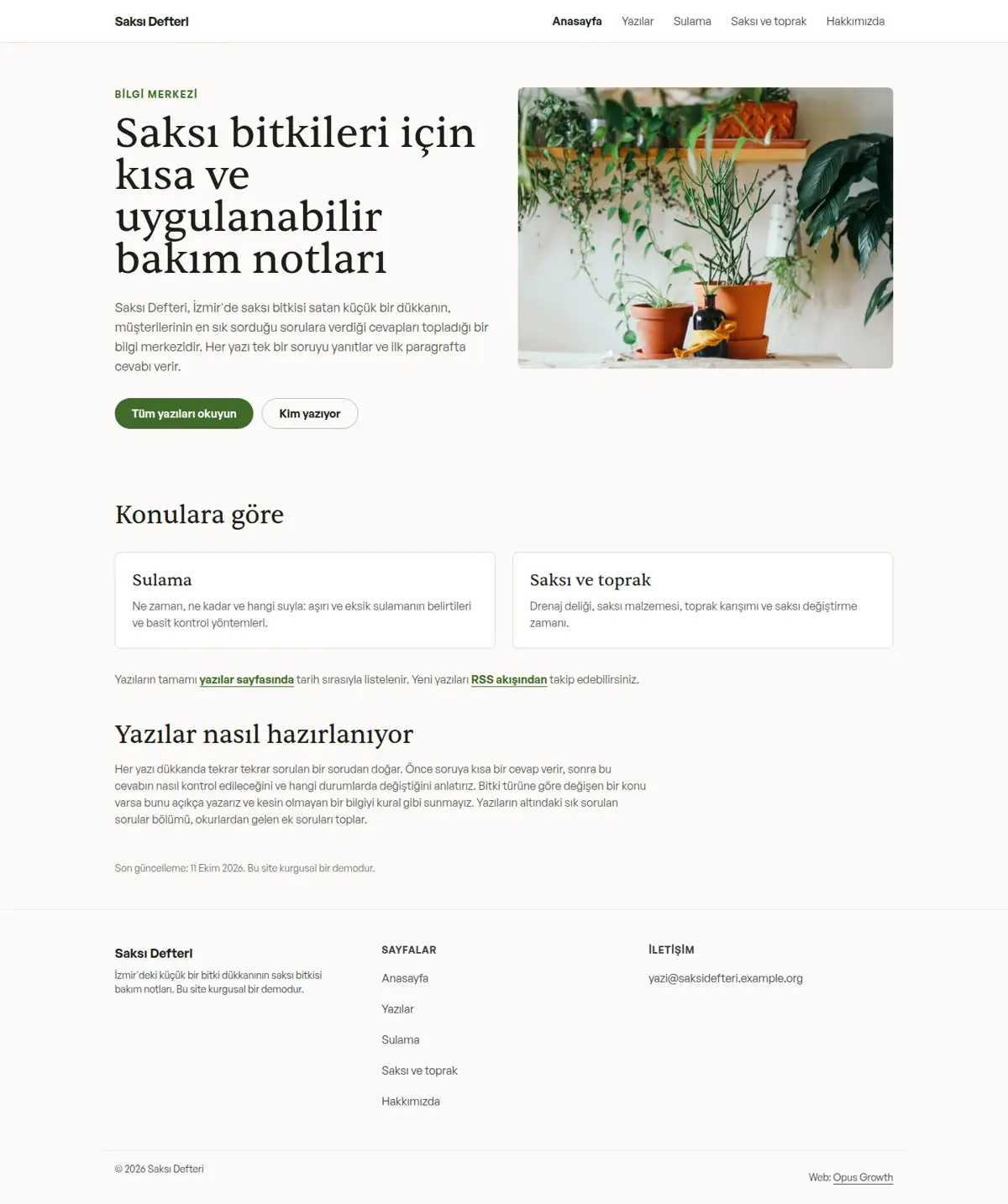
Three posts, two categories and an author page were generated on a fictional plant care knowledge hub, Saksı Defteri.
| Address | Type | Schema |
|---|
| /blog/ | List | Blog, BreadcrumbList |
| /blog/saksi-bitkisi-ne-siklikla-sulanir/ | Post | BlogPosting (articleSection, dateModified, Person author), 4-level BreadcrumbList |
| /blog/kategori/sulama/ | Category | CollectionPage, ItemList (numberOfItems 1), BreadcrumbList |
| /blog/kategori/saksi-ve-toprak/ | Category | CollectionPage, ItemList (numberOfItems 2), BreadcrumbList |
| /blog/yazar/ece-kaya/ | Author | ProfilePage, Person, BreadcrumbList |
| /blog/rss.xml, /sitemap.xml | Feed and map | 9 addresses with lastmod |
| Page | Mobile | Desktop |
|---|
| Home | 98 / 100 / 100 / 100 | 100 / 100 / 100 / 100 |
| /blog/ | 100 / 100 / 100 / 100 | 100 / 100 / 100 / 100 |
| Post (slowest) | 99 / 100 / 100 / 100 | 100 / 100 / 100 / 100 |
| Category pages | 100 / 100 / 100 / 100 | 100 / 100 / 100 / 100 |
| Author page | 100 / 100 / 100 / 100 | 100 / 100 / 100 / 100 |
On blog-build's raw output seo-check reported 8 errors and 4 warnings and html-validate 43 errors (39 inline styles, 4 lower case DOCTYPEs); after blog-extras all were zero. The home page first stayed at 95 on mobile (CLS 0.126 from the heading font); preloading the heading font too raised it to 98.
Internal link map: every post links to its category, the author page, the previous and next post and two related posts; category and author pages link to the posts, the home page to the categories and the RSS feed.
When adding a post: seo-stamp, blog-build, blog-extras, chrome-stamp, Tailwind build; then seo-check, design-check, html-validate.