Fill in before sending
[server name][business name][service][districts][phone][number][link or "none"][address][opening hours][headlines and offer][GTM-XXXXXXX][account name]
On my Opus Growth hosting server [server name], build a single campaign page for Google Ads and Meta ad traffic plus a privacy page. There is no form; visitors reach us by phone, WhatsApp or a booking link. Details: business [business name], service [service], area [districts], phone [phone], WhatsApp [number], booking link [link or "none"], address [address], hours [opening hours], ad headlines and main offer [headlines and offer], Tag Manager container [GTM-XXXXXXX], Google Ads account [account name], Meta ad account [account name].
Message match: the h1 repeats the promise of the ad headline in the same words (service, area, main offer). Do not put a promise on the page that is not in the ad, or in the ad that is not on the page. If the Google and Meta headlines differ, use the headline of the ad that spends most and suggest how to align the other ad with the page. In health, legal or finance, do not promise certainty ("guaranteed", "100%").
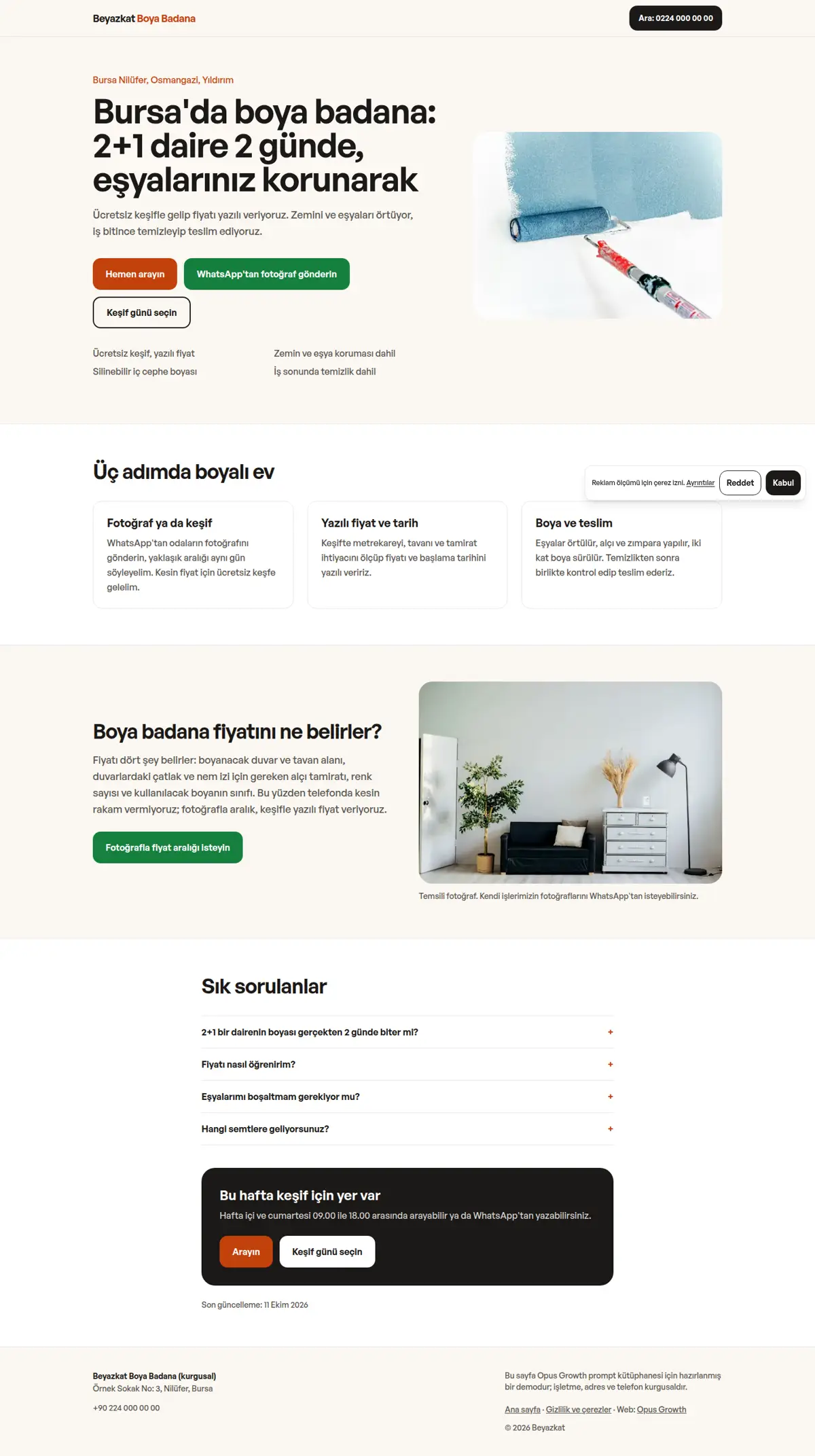
Page structure: the top bar holds only the brand name and a call button, no menu, so visitors are not drawn away. Hero: h1, one-sentence description, three buttons (Call now, Message on WhatsApp, Pick a time), four short reassurance points underneath and an image. Then the process in three steps, what sets the price (answer-first if you do not publish prices), FAQ, a closing call to action, and a footer with name, address, phone and the privacy link. On mobile, pin a two-button bar (Call, WhatsApp) to the bottom of the screen and give the body bottom padding of the same height so nothing hides under it and nothing shifts. The WhatsApp link uses wa.me with a prefilled message. Keep the look plain and trustworthy: one font family (for example General Sans, two weights), one accent, and a dark green WhatsApp button with at least 4.5:1 contrast against white text.
Motion and measurement rules:
1. Light motion without libraries: do not load GSAP, Lenis or Swiper. Hover and press transitions on buttons; on the step cards, a small scroll-driven rise that uses only transform, inside `@supports (animation-timeline: view())` and only for visitors who do not ask for reduced motion. Do not use opacity: in the demo, cards sitting faded below the screen failed contrast and dropped Accessibility to 96. Nothing on the first screen starts with an entrance animation.
2. Load the measurement layer as `assets/tag.js` with defer:
a. `window.dataLayer` and Consent Mode v2 defaults: ad_storage, ad_user_data, ad_personalization and analytics_storage "denied", wait_for_update 500.
b. Give every action link data-conv="phone", "whatsapp" or "booking" and a data-conv-place naming its section. One click listener pushes them to dataLayer as `{event: "phone_click" | "whatsapp_click" | "booking_click", conv_place, page_path}`.
c. Do not put the classic GTM snippet in `<head>`; inject it after the load event with requestIdleCallback, so tags never hold up the first paint.
d. Add a small fixed consent bar: Reject and Accept as buttons of equal weight, the choice stored in the browser and sent as a consent update. On mobile it sits above the action bar and is low enough not to cover the main hero button.
3. Tag Manager: first show the current state with list_gtm_containers, list_gtm_triggers and gtm_workspace_status. Propose three Custom Event triggers with create_gtm_trigger (phone_click, whatsapp_click, booking_click). Find the contact conversion and its send_to value in Google Ads with list_conversion_actions and get_conversion_tags. So that one person who both calls and messages is not counted twice, propose tying phone and WhatsApp to a single "Contact click" conversion counted once; if none exists, say what you would create and wait for my approval. Propose a Google Ads conversion tag with create_gtm_tag (tag_type "sp"). For Meta, find the pixel with list_meta_pixels; if the base pixel code is not in the container, propose it as a Custom HTML tag on all pages, and separately the tags that send `fbq('track','Contact')` on clicks and `fbq('track','Schedule')` on booking. Run every tool with confirm=false first, show the list of changes and create them after my approval. Show publish_gtm_container with confirm=false first, publish after my approval and note the version that can be restored.
4. Test plan: write step by step how I can see in GTM preview mode which tag fires for each of the three buttons, and that no advertising cookie is written when consent is rejected.
5. After GTM and the tags are added, run core_web_vitals again, because tags can lower the score, and show the difference in a table. To keep the Google tag from being blocked by ad blockers, preview the first-party measurement path with site_tag_gateway and set it up after my approval.
Setup and known traps (each one lowered a score in the demo measurements, do not skip):
1. If a site is already live on the server, tell me first, because the setup overwrites index.html and the assets folder. Preview scaffold_site with confirm=false and call it with confirm=true after my approval. Then read site_design_guide and site_seo_guide. Before writing code, put the design direction (typography, colour, grid, signature element, motion language and the libraries that will NOT be loaded) in a short ART.md outside assets and show it to me.
2. Compile Tailwind instead of loading it from the CDN. Install it with site_run_command and background=true: `npm i -D tailwindcss@3`, then follow it with site_command_status. The content paths in `tailwind.config.js` must cover every HTML file, the templates and any JS file that writes class names. `_src/tw.css` holds the line `@import "../assets/app.css";` and the three `@tailwind` lines; compile it into one file with `npx tailwindcss -c tailwind.config.js -i _src/tw.css -o assets/site.css --minify`. Remove the cdn.tailwindcss.com script and the inline tailwind.config from every page and link only `/assets/site.css`. Recompile after every HTML change.
3. Host the fonts yourself. Read the CSS of the Fontshare families you picked, download the woff2 file of each weight into `assets/fonts/` with site_fetch, and write the @font-face rules with `font-display: swap` into `assets/app.css`; design-check looks for a custom font there. Check the font-family name in the CSS you downloaded, because Fontshare can return a different family when a weight does not exist. Preload the font of the first-screen heading and the body font on every page with `<link rel="preload" as="font" type="font/woff2" crossorigin>`; in the demo this removed the layout shift caused by the font swap (CLS 0.024 to 0). Most Fontshare fonts have no ₺ glyph, so write "TL" for prices.
4. Make the menu and footer static HTML. Do not load chrome.js or site.config.js on the pages. Write a small `chrome-stamp.mjs` that reads the nav list in site.config.js and stamps `_src/header.tpl` and `_src/footer.tpl` between the `<!-- nav:start --><!-- nav:end -->` and `<!-- footer:start --><!-- footer:end -->` markers of every page, adding aria-current="page" to the current link. Do not give the templates an .html extension and use placeholders like `[[NAV]]` instead of `{{...}}`, otherwise design-check and seo-check read them as unfinished pages. Build the mobile menu without JS using `<details>`. Keep the business name, address and phone in the footer as plain text.
5. Convert images while downloading them with site_fetch: write the same photo to separate files with resize="480x", "800x" and "1200x", image_format="webp", quality=65. Give every `<img>` srcset, sizes, width and height. The main first-screen image gets fetchpriority="high" and is never lazy; the rest get loading="lazy" decoding="async". If the main image fills the phone screen, serve a wider, smaller crop on mobile with `<picture>` (in the demo the mobile hero went from 89 KB to 43 KB).
6. Create a 48 px PNG favicon from the logo with site_fetch and add `<link rel="icon">` to every page. Without it the browser logs a 404 and Best Practices drops to 96.
7. HTML validator rules: start every document with an uppercase `<!DOCTYPE html>` (the kit's starter files use lowercase), use ` ` for the spaces in the visible text of tel: links, never use a style="" attribute, and give every button type="button".
SEO, AEO and GEO:
1. Use directory URLs with a trailing slash (/gizlilik/). Fill in the seo block of site.config.js and run `node seo-stamp.mjs`. Write the page-specific schema (on the campaign page WebPage, a Service linked to #business as provider with areaServed, and FAQPage; on the privacy page WebPage and BreadcrumbList. In site.config.js use the most specific LocalBusiness subtype (for example HousePainter, Plumber, Dentist). The privacy page explains the cookies, the measurement tags and how to change the consent choice) in separate `<script type="application/ld+json">` blocks and link it to the base graph with @id. Do not bury BreadcrumbList inside an @graph; give it its own block, because that is the only way seo-check sees it.
2. Titles 48 to 60 characters (seo-check flags anything over 65 as an error), descriptions 145 to 158 characters, one h1 per page. Every page needs at least 150 words of main content; contact and privacy pages tend to fall short.
3. The first paragraph of each page answers the page's question directly. Write a page-specific FAQ with `<details>` and mark it up as FAQPage. Show the publishing organisation and a "Last updated" date with `<time>`.
4. In robots.txt, write your decision with its reason for GPTBot, OAI-SearchBot, ChatGPT-User, ClaudeBot, Claude-User, Claude-SearchBot, PerplexityBot, Perplexity-User, Google-Extended, Applebot-Extended, Bingbot and CCBot, and point to the sitemap. sitemap.xml carries real lastmod dates. llms.txt holds an accurate two-sentence summary of the site and the list of key pages.
5. Do not invent anything: no reviews, ratings, awards, customer counts, certificates, opening hours, coordinates or prices unless I give them. Leave unknown fields out of the schema.
Gates (in order; do not call it finished until all pass):
1. With site_run_command run `node chrome-stamp.mjs`, the Tailwind build, `node seo-stamp.mjs`, `node seo-check.mjs` (0 errors, 0 warnings), `node design-check.mjs` (0 errors; justify any remaining warning) and `npx html-validate "**/*.html"` (0 errors).
2. View every page with site_preview, view="mobile" and view="desktop". site_preview captures the page with motion turned off (reduced-motion), so if content is missing in that picture, the motionless state is broken. In full-page captures, lazy images further down may show as empty; that is not an error, but check their paths.
3. Run core_web_vitals for every page with strategy="mobile" and strategy="desktop". Pass: on mobile Performance at least 95 and Accessibility, Best Practices and SEO 100; on desktop all four at least 95. On a page that fails, use resources=true to find the file that holds it back, fix it and measure again. Then run seo_audit on the home page with strategy="mobile" and runs=2. The network request list must not contain any host other than your own domain.
4. No horizontal scrolling at 360, 390, 768 and 1440 px width, touch targets at least 44 px, no console errors.
Because this is an ad landing page, measure it without the tags as well: the gate scores are for the page without tags, and the tagged page is measured separately in step 5.
After publishing: preview the rule `/assets/* Cache-Control: public, max-age=31536000, immutable` with site_headers and apply it after my approval; from then on, rename CSS or JS files when they change (site-v2.css and so on). Submit sitemap.xml with gsc_submit_sitemap and check the home page with gsc_url_inspect. Finish with a per-page score table (page, four mobile scores, four desktop scores, LCP, CLS), the gate results and the list of fixes you applied.