Fill in before sending
[site address][audience, for example foreign tourists][brand name, product names, place names][Turkish or English]["tr-TR", "en"][Search Console property]
My site [site address] on my Opus Growth server is Turkish only for now. I want you to add an English version and set both languages up so that search engines and AI assistants pair them correctly. The audience for the English version: [audience, for example foreign tourists]. Names that are never translated: [brand name, product names, place names]. The language a visitor from elsewhere sees by default (x-default): [Turkish or English].
1. Map the current state. Read site_seo_guide, list the pages with site_list_files and note the restore version with site_versions. Propose an English address for every Turkish page and show the mapping table: Turkish stays at the root (/, /hizmetler/), English goes under /en/ (/en/, /en/services/). Write the addresses in English words, lower case, as directories ending in a slash. Do not change the existing Turkish addresses; if one has to change, 301 it with site_redirects. Wait for my approval.
2. Translation. Write every page in English that reads naturally to the audience, translating meaning rather than sentence by sentence. Keep data such as phone numbers, addresses, prices and hours exactly the same and add no new claims. Titles of 50 to 60 characters, descriptions of 140 to 160, unique in each language. Both languages have the same number of sections. Every English page has `<html lang="en">` and answers the question directly in its first paragraph.
3. Configuration. Add a `locales.en` block to assets/site.config.js: prefix "/en/", hreflang "en", ogLocale "en_US", the English business description, the English menu, call to action, footer note and interface text (skip to content, menu, pages, contact). In an `i18n` block, write the root language, the x-default language, the Turkish and English address pairs, the words that are never translated (keepWords) and a term glossary.
4. Write an i18n-stamp.mjs script and put it in the site root. Its jobs:
1. Print absolute `<link rel="alternate" hreflang="tr-TR">`, `hreflang="en"` and `hreflang="x-default"` tags on every page between `<!-- i18n:start -->` and `<!-- i18n:end -->`.
2. Inside the block printed by seo-stamp.mjs, set og:locale to en_US on English pages, add the other language as og:locale:alternate in both languages, set the WebSite node's inLanguage to ["tr-TR", "en"] and replace the business node's description with the English one on English pages.
3. Produce sitemap-tr.xml and sitemap-en.xml with xhtml:link alternates for every address and the file's real modification date as lastmod, and turn sitemap.xml into a sitemapindex pointing to both.
4. Check the translation and exit with a non-zero code on errors: a page without a pair, html lang not matching the folder, a different phone number or long number in the two languages; as warnings, a different number of h2, h3, images or FAQ items in the two languages, Turkish-character words in the English text outside keepWords, and glossary terms not used.
Each page's own WebPage node carries that page's language as inLanguage. seo-check.mjs only exempts the root home page from the BreadcrumbList requirement, so add a one-item BreadcrumbList to the /en/ home page.
5. Language switcher. The chrome-stamp.mjs script that prints the menu and footer as static HTML gives pages under /en/ the locales.en menu and interface text, and builds the language switcher from the page's hreflang tags, so every page links to ITS OWN counterpart in the other language, not to the home page. Every language link carries hreflang and lang attributes and a tap target of at least 44 pixels. Do not pick the language by redirecting on the browser language.
6. llms.txt. Write the Turkish /llms.txt at the root and the English version at /en/llms.txt; each gives a short, accurate summary of the site, the list of pages in its own language and the contact details, and links to the other. robots.txt stays open to AI crawlers and points only to the sitemap.xml index.
7. Run order after every edit: `node seo-stamp.mjs`, `node i18n-stamp.mjs`, `node chrome-stamp.mjs`, the Tailwind build, then `node seo-check.mjs`, `node design-check.mjs`, `npx --yes html-validate "**/*.html"`. seo-stamp rewrites its own block every time it runs, so i18n-stamp must ALWAYS run after it. If the site still runs on the Tailwind Play CDN and third-party fonts, move it to compiled CSS and self-hosted fonts first.
8. Measure. core_web_vitals on mobile and desktop for every page in both languages; seo_audit for both versions of the home page. Open the Turkish and English home pages with site_preview at 360, 390, 768 and 1440 pixels wide; English headings are often longer, so look hard for overflow. Criteria: mobile performance at least 95 and the other three scores 100; zero errors from seo-check, i18n-stamp and html-validate.
9. After publishing. Confirm the hreflang tags and the language switcher on the /en/ home page with site_read_url. If my Search Console property is [Search Console property], submit sitemap.xml with gsc_submit_sitemap and check the /en/ home page with gsc_url_inspect.
Output: the Turkish and English address mapping table, a score table per page and language, the i18n-stamp check output, the remaining translation warnings and a list of sentences I should review.
Example result
An example of the output this prompt produces. Its structure comes from the tools' real output; numbers and names are fictional.
Example output (on a fictional demo site; the business is fictional, the scores were really measured on this demo)
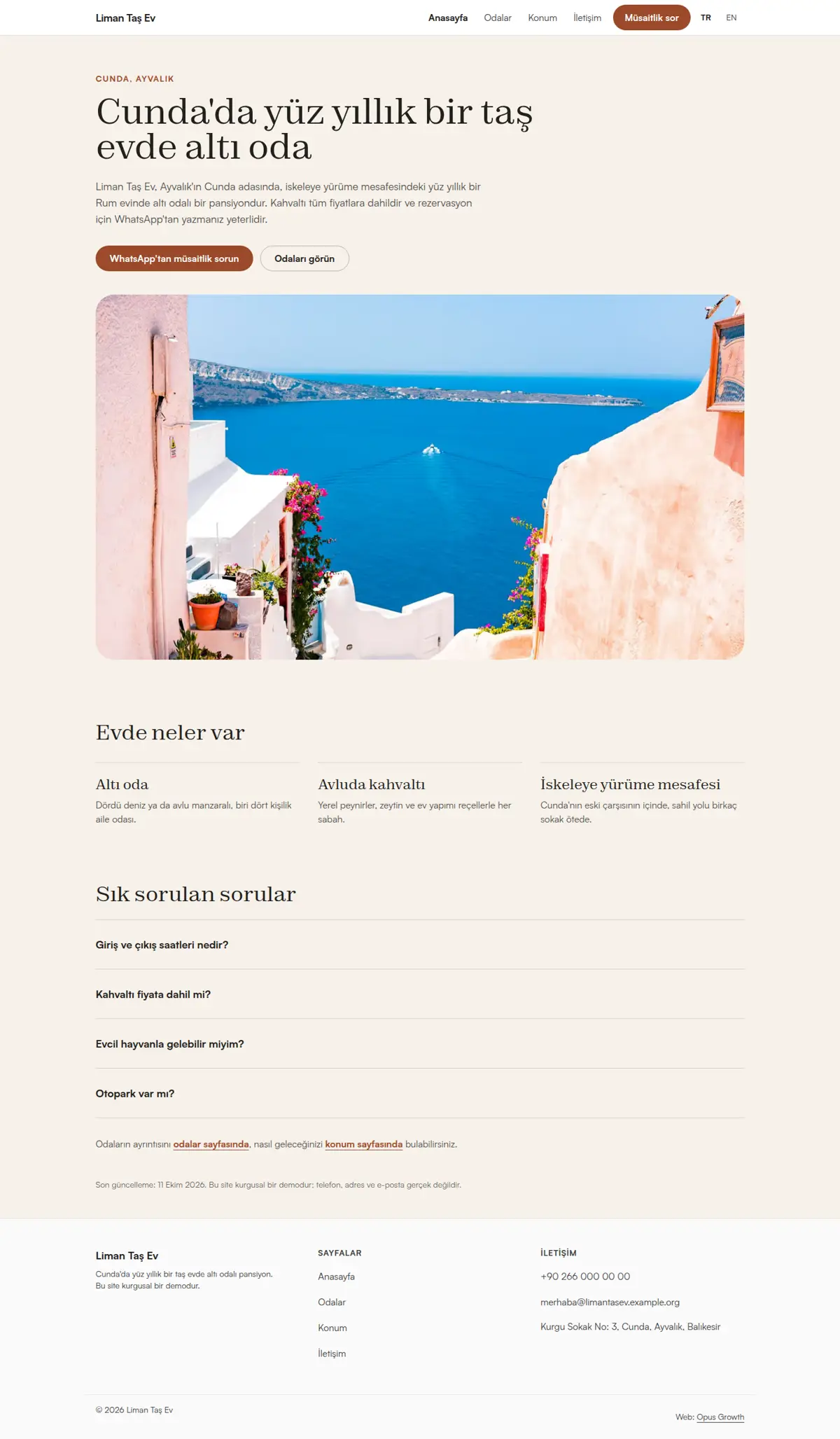
A fictional guesthouse site, Liman Taş Ev, was set up with Turkish at the root and English under /en/, with English as x-default.
| Turkish | English |
|---|
| / | /en/ |
| /odalar/ | /en/rooms/ |
| /konum/ | /en/location/ |
| /iletisim/ | /en/contact/ |
| Page | Mobile | Desktop | Mobile LCP |
|---|
| / | 99 / 100 / 100 / 100 | 100 / 100 / 100 / 100 | 2.0 s |
| /odalar/ | 99 / 100 / 100 / 100 | 100 / 100 / 100 / 100 | 1.9 s |
| /konum/ | 100 / 100 / 100 / 100 | 100 / 100 / 100 / 100 | 1.5 s |
| /iletisim/ | 100 / 100 / 100 / 100 | 100 / 100 / 100 / 100 | 1.5 s |
| /en/ | 99 / 100 / 100 / 100 | 100 / 100 / 100 / 100 | 2.0 s |
| /en/rooms/ | 99 / 100 / 100 / 100 | 100 / 100 / 100 / 100 | 1.9 s |
| /en/location/ | 100 / 100 / 100 / 100 | 100 / 100 / 100 / 100 | 1.5 s |
| /en/contact/ | 100 / 100 / 100 / 100 | 100 / 100 / 100 / 100 | 1.5 s |
i18n-stamp output: 8 pages, 2 languages, a sitemap.xml index with sitemap-tr.xml and sitemap-en.xml, 0 errors, 0 warnings. On the first run three English pages raised a Turkish character warning for "Ayvalık", "Türkiye" and "Balıkesir"; they went into keepWords, because place names keep their Turkish spelling in English too.
Gates: seo-check 0 errors and 0 warnings, html-validate 0 errors, design-check 0 errors and 1 warning (no motion, a style choice), no overflow from 360 to 1440 pixels. For your review: the English wording of the cancellation terms, because it is a binding text.